We are pleased to announce the release of version 1.8 with one new functionality: Differentiation. You can differentiate any equation with respect to x and to y. You can also compute the derivatives at given values of x and y.
Main Screen
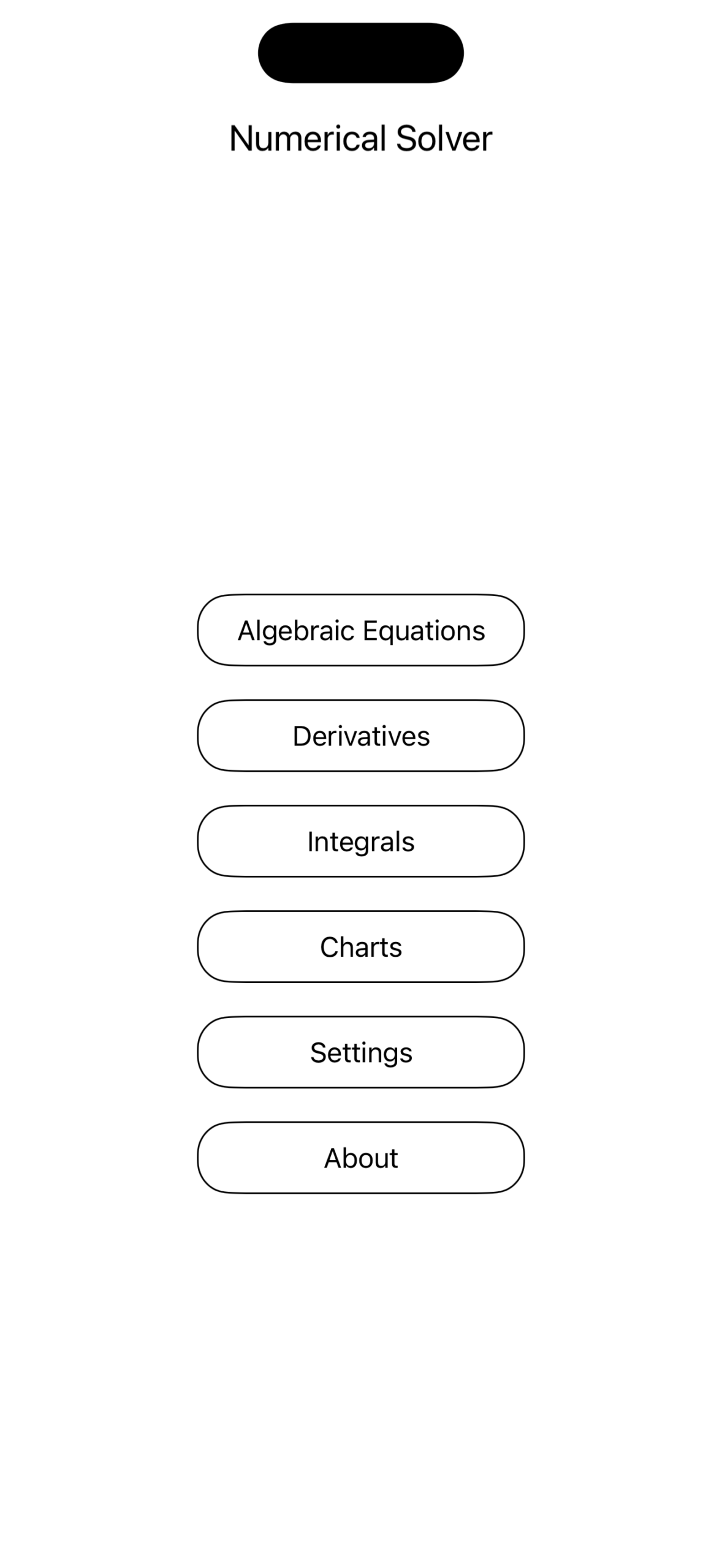
We added a new button in the Main Screen, Differentiation. Tap on it to enter the Differentiation page:
Enter the Equation
There is nothing new in typing the equation. Like you do in the case of solving Algebraic equations or Plotting functions, you start writing the equation by using the different buttons in keyboard. In the keyboard you would find two variables: x, y. Once you have typed the equation that you want to diffentiate, tap on the Differentiate button and the app will print differentiate this equation with respect to x and to y.:
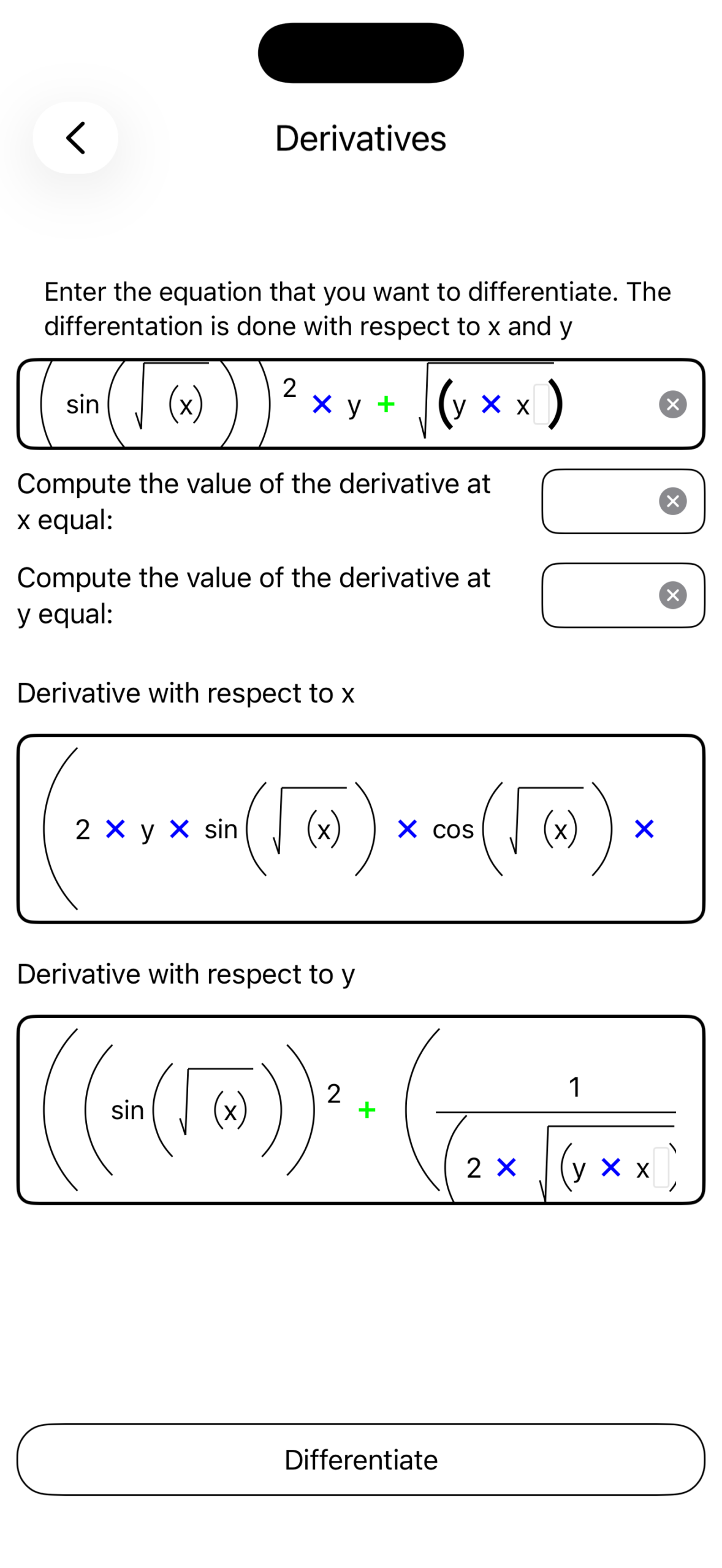
If you give a value for x and for y, the Numerical Solver will compute the derivatives at given values of x and y. Note, that even if you do not have any x or y unknown in your equation, you need to enter a value for both unknowns in order to compute the derivative at the given values of x and y.
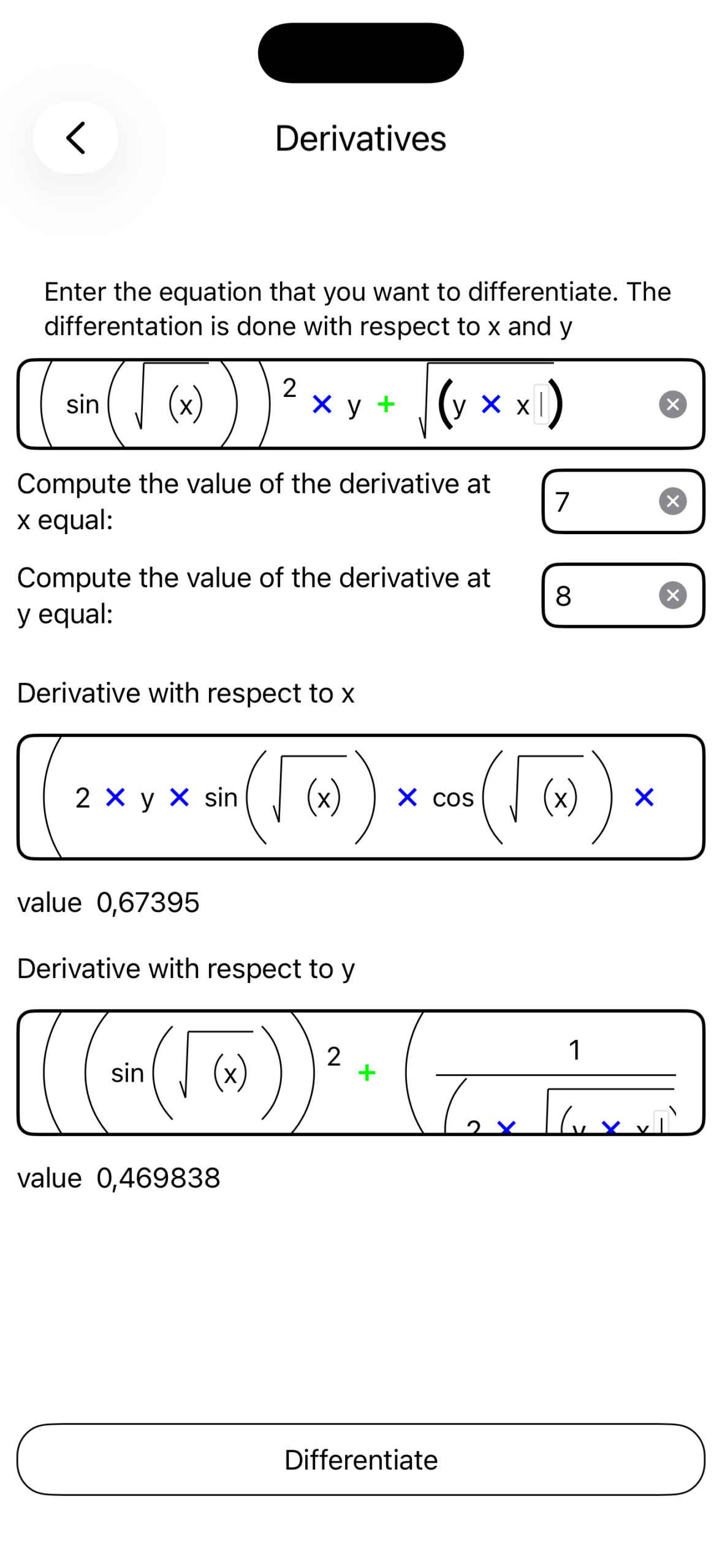
We forgot to mention that when you differentiate an equation the result may not fit in the screen. As always, you scroll the page to the right to view the entire equation. The final result is not properly factored, and we might see terms like:
We plan to release a new version that would capable of properly factoring any equation.